How to Buy your Real Estate Sphere a Coffee from Starbucks - on Instagram
DISCLAIMER: USE THESE AT YOUR OWN RISK. POSTING THE GIFT CARD BARCODE ON YOUR PUBLIC PROFILES MAY LIKELY RESULT IN PEOPLE YOU DON'T INTEND TO USE THE BARCODE.
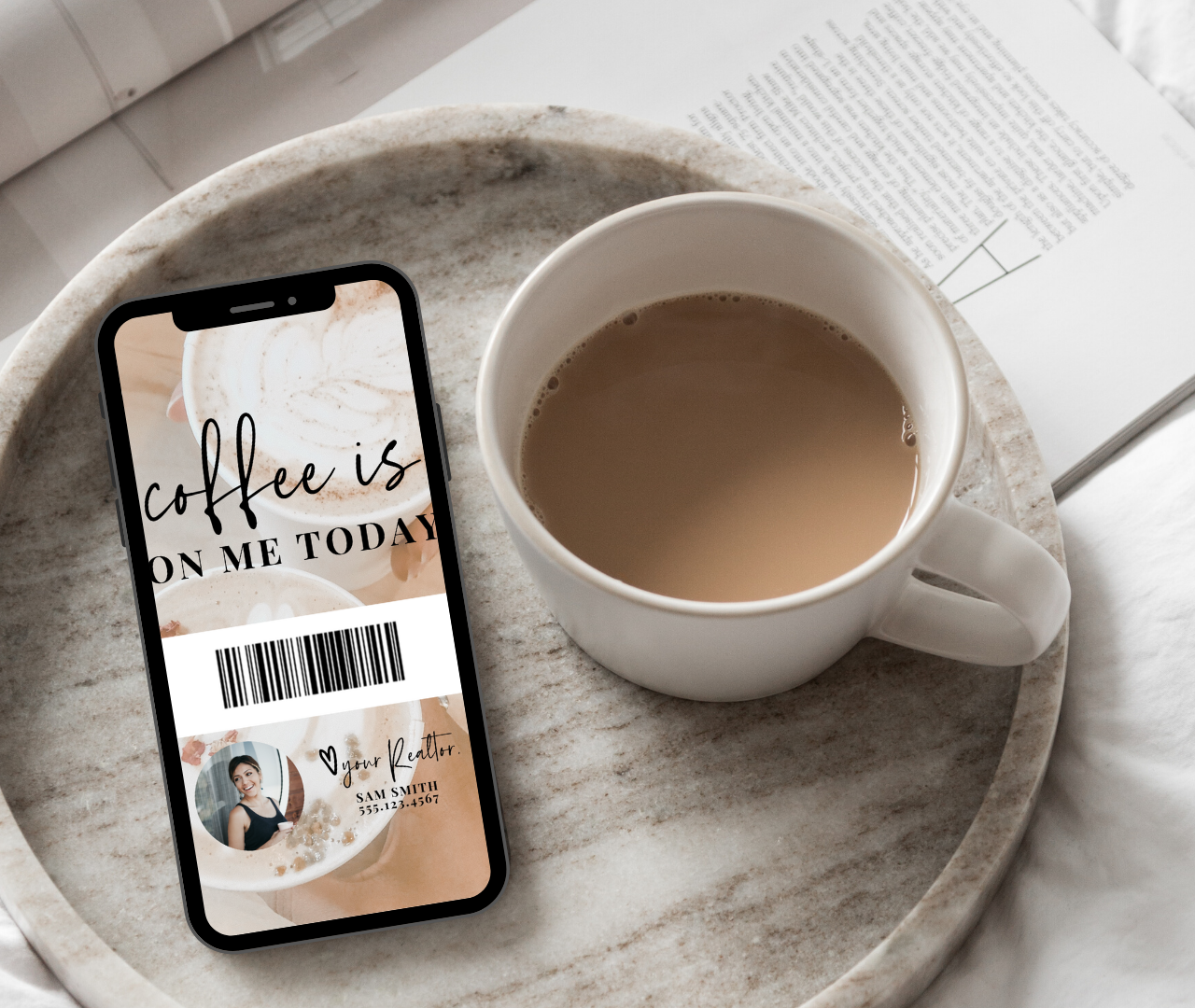
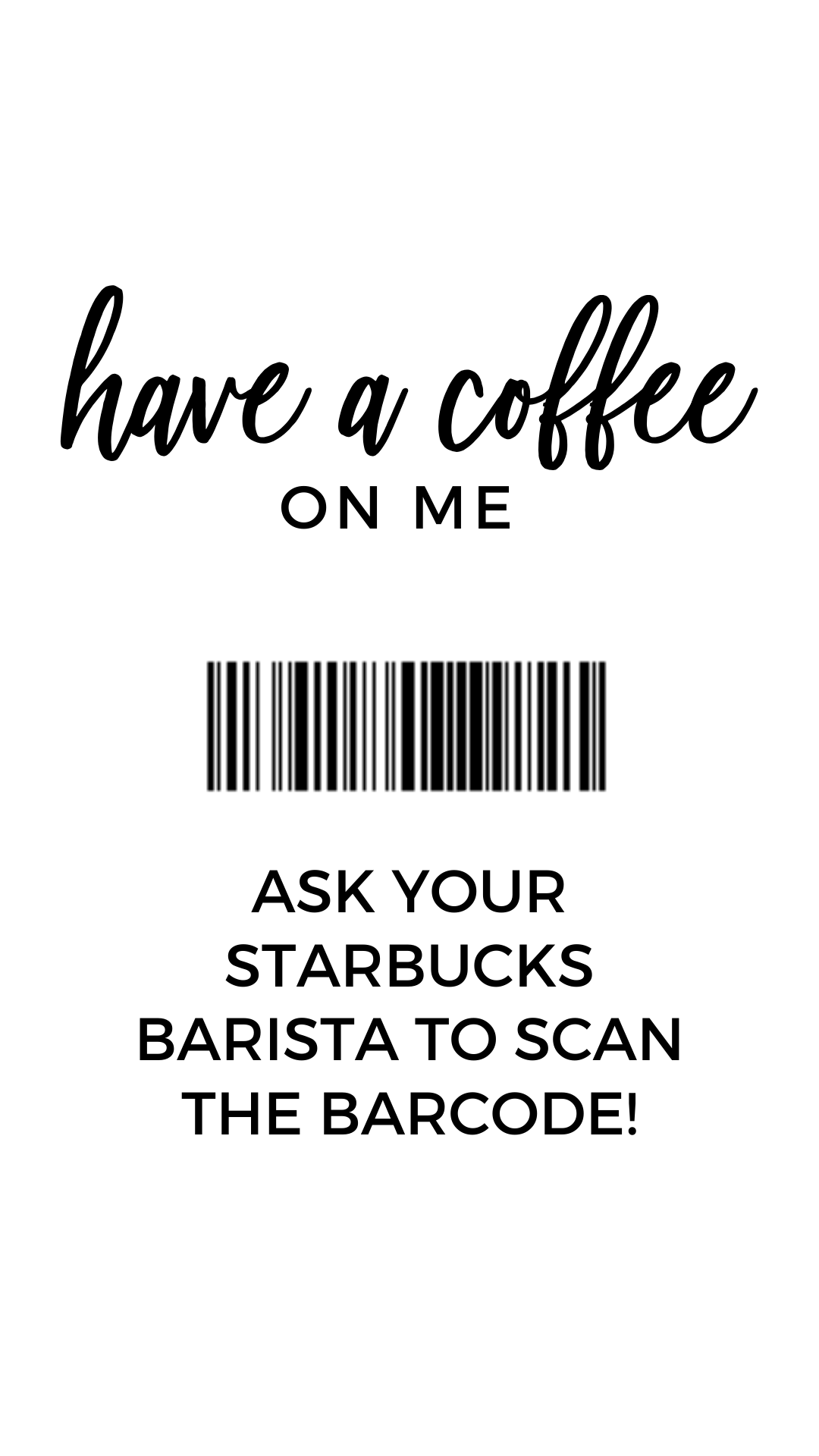
Use these templates to send as a virtual gift to your clients or your sphere - or even post to social media! (However, be aware that anyone can scan this!)
To use these, you’ll need to replace the QR code with a new barcode.
Download the Starbucks app, and sign up or login as a Rewards member.
Purchase a gift card, add yourself as the recipient (type in your email), and select the dollar amount you want available on the gift card.
You can set the gift card to automatically reload so it never runs out on someone.
We'd recommend starting with $25, see how many people use it and reload as needed.
Once you receive the email gift card from yourself, click to redeem your gift.
Scroll down to the barcode, the barista will scan this barcode to charge the card.
Take a screenshot of the barcode and save it to your desktop.
Upload the barcode into Canva and replace with the sample.
If you need help, see the quick tutorial below!
Feed Posts

Story Posts

More like this
What Agents Get Wrong About Choosing an Ideal Client
$9M Closed. Another $7M in her Pipeline. All from niching down on Instagram